


StorytoDoc is the AI-powered platform that automatically updates your product documentation, help guides, and video tutorials every time your product changes.
No more chasing bugs in screenshots, fixing broken how-tos, or spending hours maintaining user docs. Just hit record once and let StorytoDoc handle the rest.
📷 Auto-update screenshots after every product change
🎥 Fix broken video tutorials with one click
🧠 Keep help docs in sync with live product updates
⚙️ Maintain version control across hundreds of stories
🚀 Set up in minutes with our free Chrome extension
Never worry about outdated documentation again. StorytoDoc's AI automatically detects when your product changes and updates all your how-to guides in real-time. When you release new features or modify existing ones, your documentation evolves with your product instantly. It's like having a dedicated technical writer who never sleeps, never misses an update, and never lets your users get confused by outdated instructions.
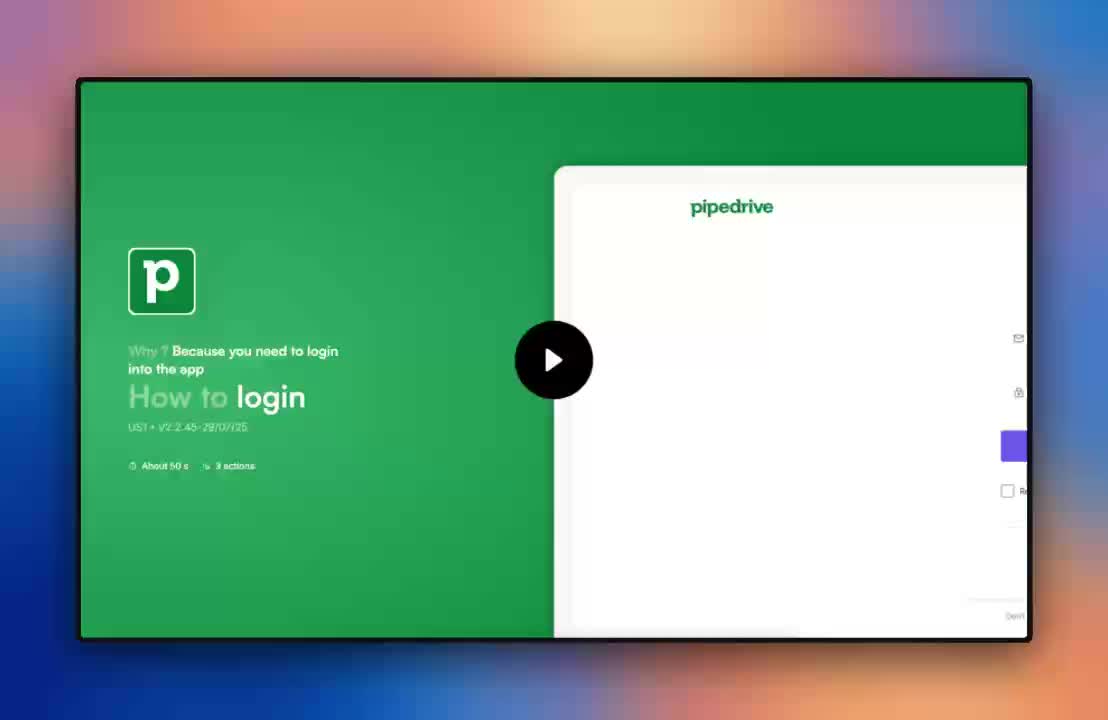

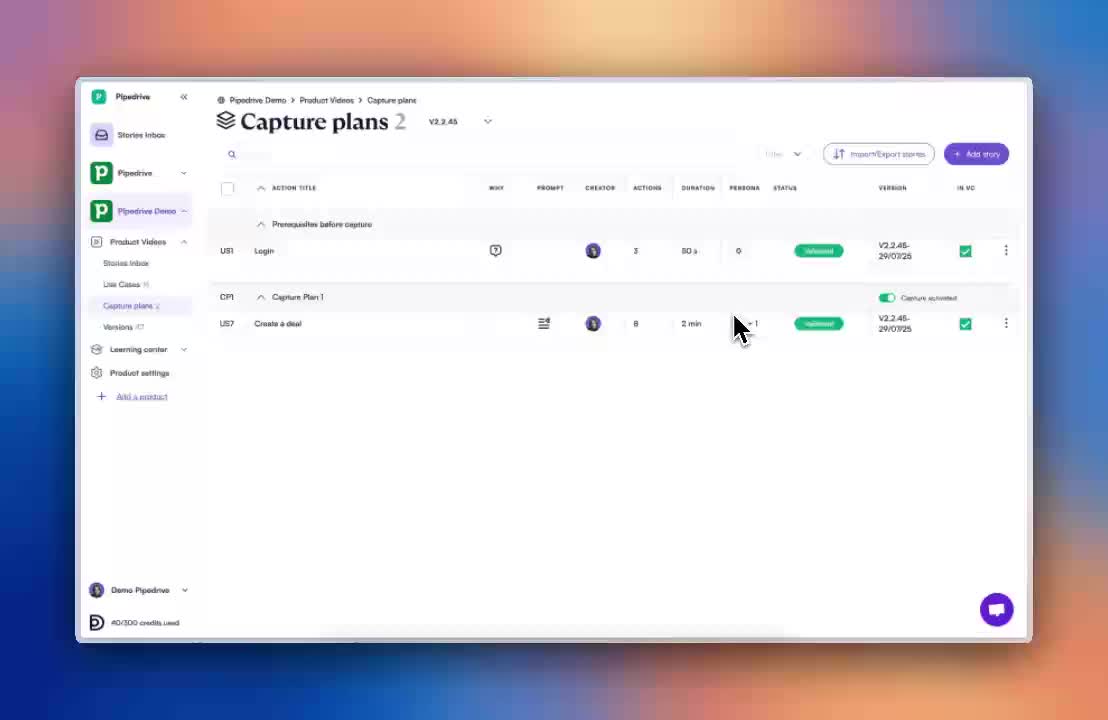
Transform any user flow into professional documentation with just one click. Install our free Chrome plugin, hit "Start Capture," and perform your workflow normally. Our AI instantly generates branded interactive guides, step-by-step screenshots, and PDF documentation. No video editing skills required, no complex setup needed – just pure documentation magic that makes you look like a pro.

Forget boring screen recordings that users skip through. StorytoDoc creates "Product Stories" – interactive, HTML-based guides that users can actually engage with. Show real hovers, scrolling, and click interactions that make your documentation feel alive. Users can pause, rewind, and interact with your guides just like they would with your actual product, creating a learning experience that sticks.


Build a comprehensive Video Center that becomes your product's central learning hub. Combine product stories, external videos, and help resources in one beautiful, searchable interface. Embed it directly in your product or share it externally your users will have everything they need to master your software without constantly asking your support team for help.

Create once, use everywhere. Every Product Story automatically generates multiple formats: interactive HTML guides, step-by-step PDF documents, individual screenshots, and text instructions. Whether your users prefer visual guides, printable PDFs, or quick reference screenshots, you've got them covered without any extra work.

Most Product Managers are up and running in less than 5 minutes to start capturing their product manually.
Minutes , we send you an email when it's ready to check for validation.
With the Growth plan, yes, you can update all your product stories in your product , we will update them in the order you have defined in the capture plan.
Yes, you can buy extra credits for more AutoUpdates.
1 AI AutoUpdate = 10 credits
- Starter Plan: 10 credits = €2
- Growth Plan: 10 credits = €1
Credits roll over twice, usable for up to 3 months.
you can update hundreds of stories in the same time. Your stories will complete
Our platform can capture and document different user journeys for each user role on your product, creating a comprehensive source of truth for your entire product ecosystem.
Yes, you can embed single User stories or your Video Center in your product.
Yes, you can invite your team (5 on the Free plan, 8 on the Starter plan) to create together and have a shared folder with all your stories.
The owner of the product documentation will see all your team content.
All your team content will help grow your product documentation in quantity and quality.
The update of your product stories is manually triggered. You can wether update your (upon major releases for ex.) or select only some stories (when minor evolutions occur on your product).
StorytoDoc creates a single source of truth that all teams can consult and use according to their specific needs. All from the same source of truth : what your user does to reach a goal, in your product.